
 Framework guides
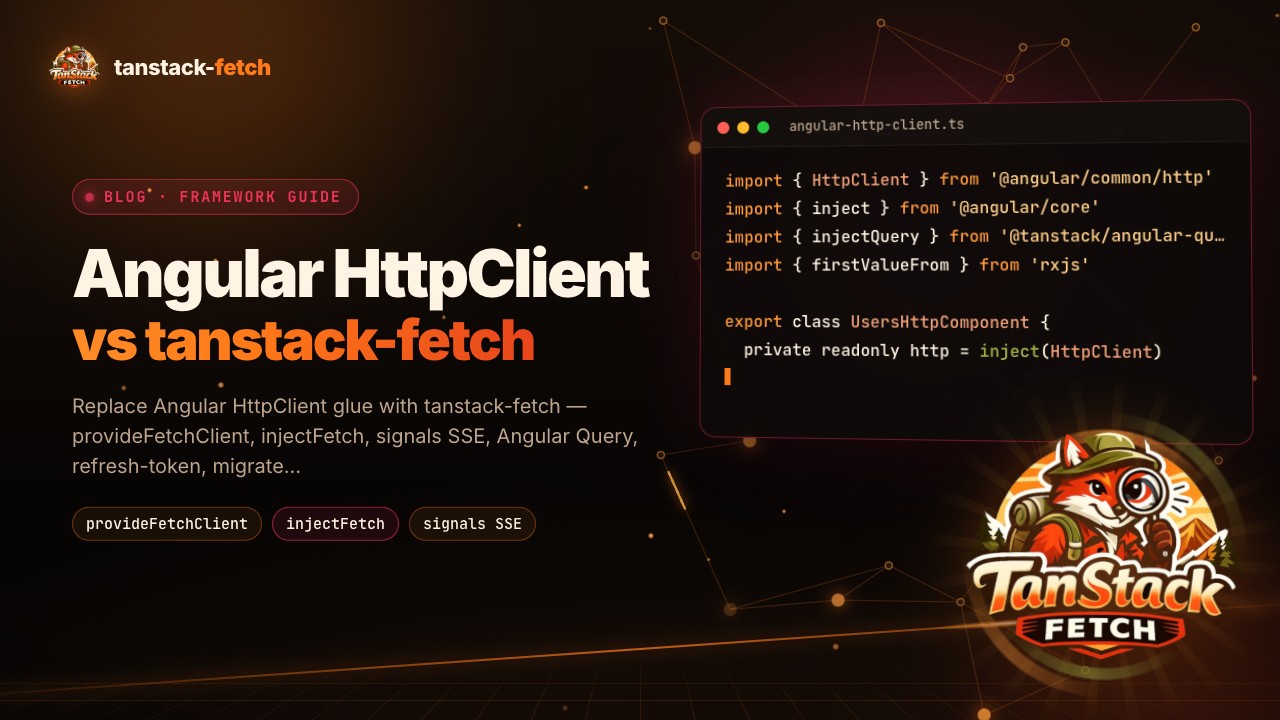
Angular HttpClient vs tanstack-fetch for TanStack Query
Replace Angular HttpClient glue with tanstack-fetch: provideFetchClient, injectFetch, SSE as signals, Angular Query, refresh tokens and the migrate CLI.
Read the post
TL;DR: If your TanStack Query retry stops, never fires, or fires too often, the cause is almost always something around the query: cache clearing during a fetch, an unfocused tab, an SSR-dehydrated error, or a cancellation. Match your symptom in the table near the end, change that one setting, and keep either internal retries or a manual retry button, not both.
Prerequisites: a React Query (TanStack Query) app where a failing query should retry, access to your QueryClient setup, and the ability to run a production build. The steps below each end with what you should see.
Retry accepts a number, a boolean or a function. Use the function form when only some errors deserve another attempt:
retry: (failureCount, error) => {
  return shouldRetry(error.status) && failureCount < 3;
},
This example comes from the SSR issue on GitHub (github.com).
Do not use failureCount as a lifetime counter. The docs define it as incremented every time the query fails and reset to 0 when the query succeeds (github.com). A maintainer added that it resets on every fetch and only shows failures while the query is internally retrying. Once the query reaches the error state it keeps its last value, and a new refetch sends it back to 0. There is no global counter of how often a query has failed, so if you need one, track it yourself.
A GitHub discussion describes a query that retried correctly in development but, after a production build with react-scripts, errored and did not retry (github.com). Work through it like this.
refetch from a timeout after the error worked (github.com). Treat it as a diagnostic, not a fix.Expected result: you know whether the failure is build-specific or caused by your own code. Step 2 of the next section shows the usual culprit in this very thread.
In the same discussion, removing a queryClient.removeQueries() call fixed the problem (github.com). The asker suspected that remove or reset calls made after a query starts could make it stop after a failure instead of trying again. The error showed up after a registration mutation invalidated the profile query in onSuccess.
Our recommendation: search your code for removeQueries, resetQueries and clear, and check whether any can run while a query is in flight. If you clear the cache on logout, fire it only when auth state changes to null. The asker did exactly that, and their reason was valid: avoiding cached data being shared if someone else logs in on the same computer (github.com).
Expected result: a failing query now runs its full retry sequence, and the cache is still cleared on logout.
When this is the wrong fix: if nothing clears or invalidates your cache, skip this section and look at focus and SSR below.
Retries after hydration usually come from defaults, not bugs.
shouldDehydrateQuery to send errored ones (github.com).return !shouldRetry(query.state.error.status); (github.com).retryOnMount: false. Erroneous queries are always fetched on mount by default (github.com). With it off, a mounting observer renders the error instead of going back to a hard loading state. This fixes the case where the dehydrated state held the right status but one fetch still happened after mount.throwOnError as a function. The original bug in that issue was throwOnError: false; the correct form is throwOnError: () => false (github.com). The issue was later reopened because that form is no longer a fix after patch #9336, so check your installed version's behavior.Expected result: the page renders the server error with no extra request after mount.
Another issue reports polling stopping when the tab is inactive with refetchIntervalInBackground and retry. Its author wanted only 2 failed requests instead of about 12 (github.com). The maintainer's answer: removing the focus check from retries could leave a query that errored fetching forever with no way to stop it. A rename to fetchInBackground would be a breaking change. The maintainer said it might change in v6 but is documented as on purpose, and TkDodo closed the issue as not planned on Aug 18, 2026.
Decision: accept it. Retries pausing in a hidden tab saves requests, and no one is watching the result anyway. If you truly need background retries, drive them yourself with a timed refetch, and cap the attempts.
Cancelling a query whose signal is consumed reverts it to its previous state rather than leaving it failed (tanstack.com). The revert option restores data and status from before the fetch, and only throws if there was no prior data. With silent: true, the CancelledError is not propagated to observers such as onError, and the retry promise is returned instead of rejecting.
Cancellation does not work with useSuspenseQuery, useSuspenseQueries or useSuspenseInfiniteQuery (tanstack.com). If you use those hooks, do not rely on cancelling to stop a retry cycle.
Expected result: after cancelling, the UI shows the last good data, not an error.
| Symptom | Likely cause | Fix |
|---|---|---|
| Retries in dev, not in production | Cache cleared mid-fetch (github.com) | Clear only on auth change to null |
| Extra fetch after hydration | Errored queries refetch on mount (github.com) | retryOnMount: false |
| Polling stops in hidden tab | Documented as intentional (github.com) | Accept, or refetch manually |
| Error state after cancel | State reverted (tanstack.com) | Use revert or silent |
| Too many requests with a retry button | Internal retries plus manual ones (github.com) | Turn off internal retry |
On the last row: 3 internal retries plus 3 user retries gives 9 requests (github.com). If users get a retry button, set retry: false and count their attempts with an error boundary that increments a counter when reset. If users see nothing until retries finish, keep internal retries and skip the button.
You can also put retry in the HTTP client and set retry: false in Query, so one layer owns it. tanstack-fetch is an independent open-source project, not an official TanStack product, and its 2.1.0 release notes cover abortable retries. The cookbook shows status handlers and refresh tokens. Its v2.2.0 mocks still pass through retry logic, interceptors and status handlers, so you can simulate failures and watch retries without a broken backend. If your retries already behave, stay with Query's own option.
tanstack-fetch: tanstack-fetch is a type-safe HTTP client for TypeScript, built for TanStack Query.
Check the docs for your installed version, since defaults differ between environments and releases. Whatever the number, set retry explicitly in your QueryClient defaults so the behavior is visible in code.
Pass retry: false in that query's options, which overrides the client default. Do this for queries behind a manual retry button, so attempts are not multiplied.
Render it when the query is in the error state and call refetch on click. Because failureCount resets on each fetch, keep your own counter if you want to hide the button after several manual attempts.
Next step: reproduce your symptom in a minimal repo, match it to the table, and change one setting at a time.
Made with DispatchSEO
Framework guidesReplace Angular HttpClient glue with tanstack-fetch: provideFetchClient, injectFetch, SSE as signals, Angular Query, refresh tokens and the migrate CLI.
Read the post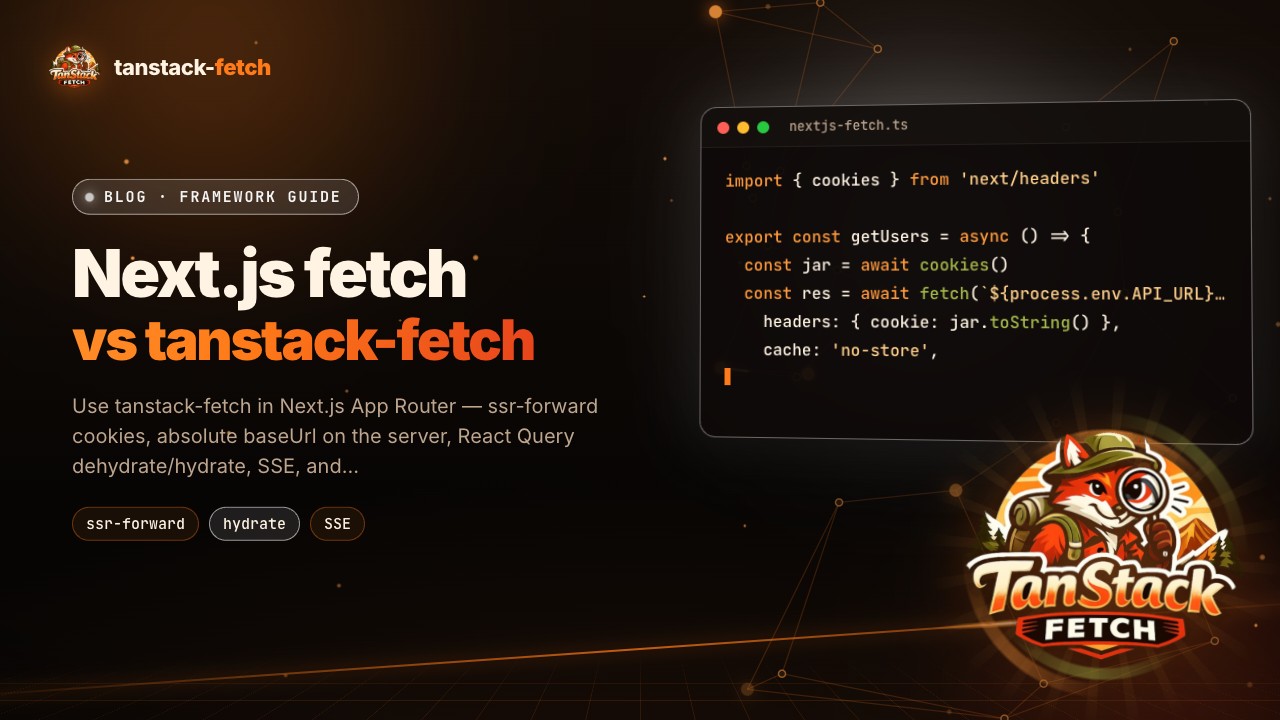 Framework guides
Use tanstack-fetch in Next.js App Router — ssr-forward cookies, absolute baseUrl on the server, React Query dehydrate/hydrate, SSE, and migrate path.
Read the post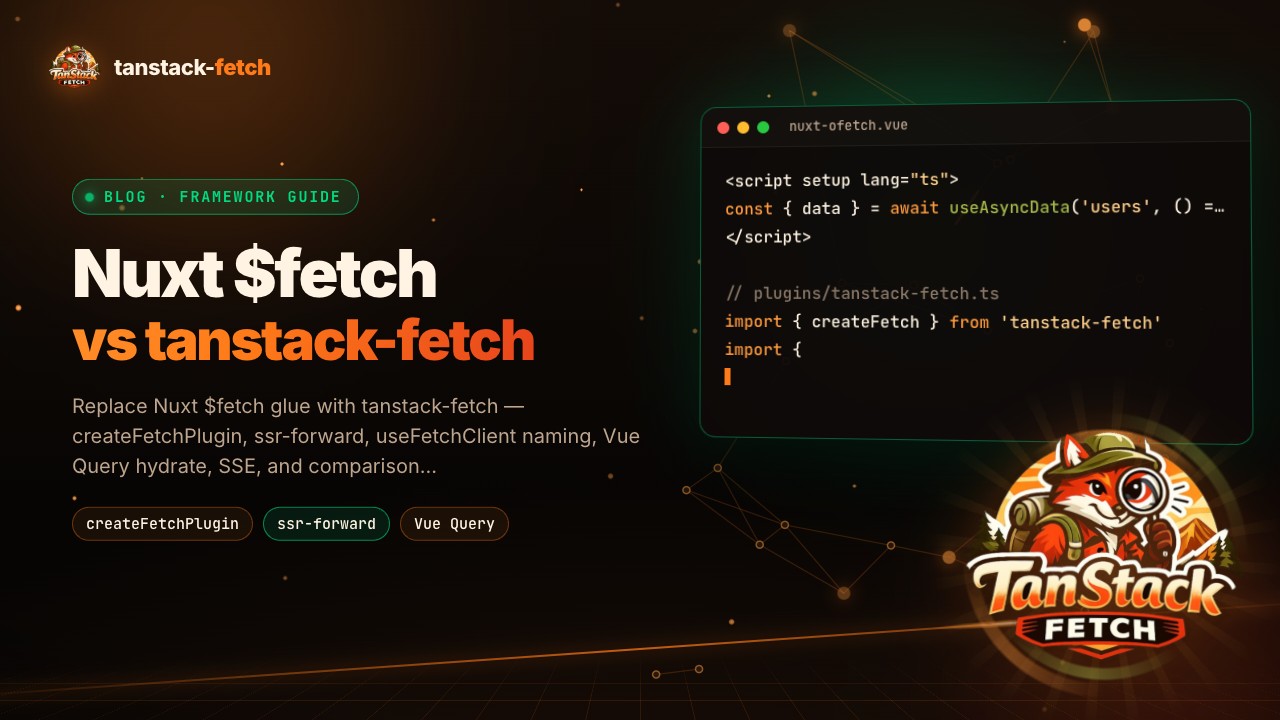 Framework guides
Replace Nuxt $fetch glue with tanstack-fetch — createFetchPlugin, ssr-forward, useFetchClient naming, Vue Query hydrate, SSE, and comparison graphs.
Read the post