
DevTools
Framework
Core (works with React, Vue, Nuxt, Next.js)
Bottom dock with request list, SSE event list, WebSocket / WebTransport / NDJSON message log (↑ out / ↓ in), caller file (e.g. profile.hook.ts), and a call graph.
Click a graph node → pick Cursor / Zed / VS Code → opens via deep link (last choice remembered).
Toggle: Alt+Shift+F (macOS: ⌥⇧F)
Alt+Shift+F (⌥⇧F) · WS + Stream tabs (1.8.0) · caller file in list · click graph → Cursor / Zed / VS Code
Simple dock: request list, SSE events and WebSocket / NDJSON messages, and a call graph showing where the request was fired.
Ready — open DevTools (Shift+D) and fire a sample.
Install
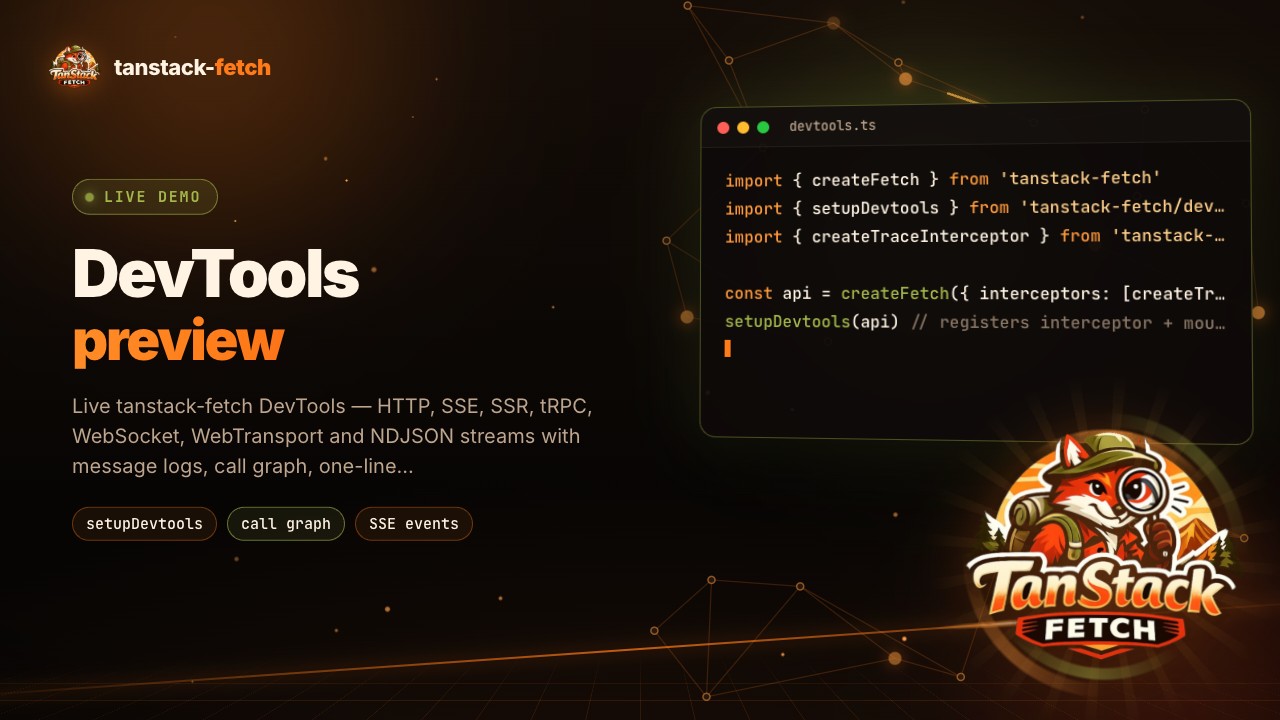
import { createFetch } from 'tanstack-fetch'
import { setupDevtools } from 'tanstack-fetch/devtools'
import { createTraceInterceptor } from 'tanstack-fetch/plugins'

const api = createFetch({ interceptors: [createTraceInterceptor()] })
setupDevtools(api) // registers interceptor + mounts dock
Prefer the trace plugin (createTraceInterceptor(), or plugins: ['trace'] on /sse / /live) so each entry has a stable requestId.
Options
setupDevtools(api, {
  http: true,
  sse: true,
  ssr: true,
  trpc: true,
  ws: true, // api.ws + api.transport (WS / WT rows, messages in / out)
  stream: true, // api.stream (NDJSON lines)
  open: true, // start expanded
})
Live connections
Clients from tanstack-fetch/live show up on their own tabs:
| Tab | Rows | Detail |
|---|---|---|
| WS | WS (WebSocket) and WT (WebTransport), one row per connection attempt | Every message ↑ out / ↓ in; a dropped connection ends in error, its reconnect starts a new row |
| Stream | api.stream requests (POST / GET) | Stays live until the last NDJSON line, one message per line |
import { createFetch } from 'tanstack-fetch/live'
import { setupDevtools } from 'tanstack-fetch/devtools'

const api = createFetch({ baseUrl, getToken, plugins: ['trace'] })
setupDevtools(api)

api.ws('/rooms/:id', { params: { id }, authIn: 'query' }) // → WS tab
for await (const chunk of api.stream('/chat', { body })) render(chunk) // → Stream tab
The same events are public interceptor hooks (onLiveOpen, onLiveMessage, onLiveClose) if you want your own logging.
Mocked requests
Requests answered by mocks show a MOCK badge in the list, and the detail view names the route that answered (mock · /market/ticks). Requests with no matching route stay unbadged, so you can see which calls already hit the real API. The route path is also on the entry as entry.mock.
const api = createFetch({
  baseUrl,
  plugins: ['trace'],
  mocks: createMocks({ routes: [{ path: '/market/overview', handler: () => ({ btc: 67250 }) }] }),
})
setupDevtools(api) // GET /market/overview → MOCK badge
Advanced (share one store across clients)
import { createDevtools, mountDevtools } from 'tanstack-fetch/devtools'
import { createTraceInterceptor } from 'tanstack-fetch/plugins'

const dt = createDevtools()
const api = createFetch({ interceptors: [createTraceInterceptor(), dt.interceptor] })
mountDevtools({ store: dt.store })